Mobile MTZ theme editor for MIUI and HyperOS phones
MTZ Studio: Theme Editor provides a mobile-native workspace for assembling MTZ theme packages, letting creators combine icons, fonts, wallpapers, and XML color values directly on an Android device. GOKHAS builds the app specifically for MIUI and HyperOS users, enabling project-based design, import of existing MTZ or ZIP files, and export of finished MTZ files. The app suits Xiaomi, Redmi, and Poco owners and enthusiasts who prefer designing themes on the phone rather than using desktop tools.
What the editor lets you change on a phone
MTZ Studio edits the core items that make a theme: home and lock screen backgrounds, app icons mapped to package names, and font files in TTF or OTF format. The app also exposes XML color resources for direct editing, and it can import an MTZ or ZIP project to modify an existing theme. These capabilities let a user assemble a deployable MTZ file without leaving the mobile environment.
How deep the customization controls go
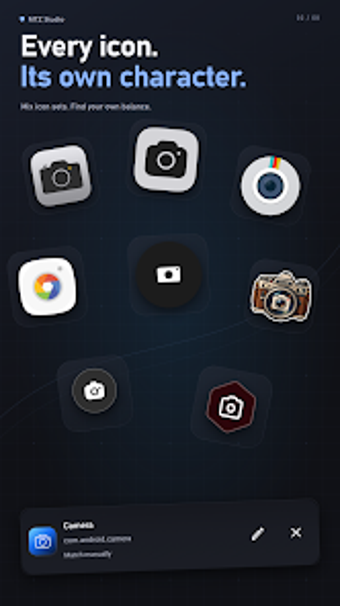
The tool gives project-based control with an asset library, undo/redo support, and per-resource editing, enabling iterative refinement of a theme. You can add custom icon images and assign them to specific package names, and embed custom fonts inside the package. Color values are editable in supported XML resources, which permits precise palette adjustments at the system resource level.
How it fits on a device and into a workflow
The app runs on Android and is designed to replace a desktop workflow by letting users create and export MTZ files directly from the phone, so no PC is required to build complex themes. New projects start empty, which means designers bring their own assets and manage them through the built-in library. The project workflow with undo/redo supports stepwise design and reuse across projects.
Who should use it and where it matters
MTZ Studio targets Xiaomi, Redmi, and Poco device owners and Android theme creators working with MIUI or HyperOS, since the app builds packages compatible with those systems. Because the editor focuses on MTZ packaging and XML resource edits, it appeals to people who need tight control over system UI elements rather than casual wallpaper or icon-only changes. The app occupies a niche within the MIUI customization community.
Clear fit for phone-based MTZ creators
MTZ Studio is a focused mobile editor for creators who want to assemble and export complete MTZ theme files on their Android device. It removes the desktop requirement and exposes low-level resources such as XML colors and embedded fonts, so it suits technically confident designers who supply their own assets. Expect a hands-on workflow: keep organized asset libraries and export frequently while you refine a project.